Signing up

You can sign up to use Read Listen Learn by clicking the Over 300 graded readers at 5 levels button.

This will take you to the Sign Up page where you can sign up for a free account with access to 25 elementary level articles or a Premium account with access to our full library and extra features.

Setting up a Premium account

To set up a Premium account click the Create Premium Account button.

This will take you to the Create New Account page.
  1. Enter your name, email address and a password and click on Create Account.
  2. We will send an email to the address that you give us.
  3. When you get the email, click on the link to confirm your account and then login.
  4. If the email doesn’t arrive, check your spam or junk folder as it might be in there.
  5. If not, just contact us and we'll help you complete the process.
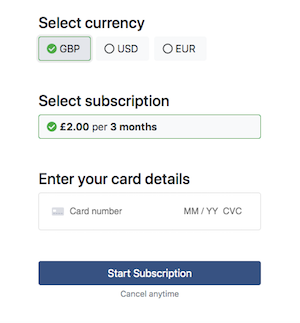
  6. When you have logged in you will be taken to the Payment page where you can select the currency you want to pay in.
  7. When you have done that enter your card details and click Start subscription.
Start subscription

Setting up a free account

To set up a free account click the Create Free Account button.

This will take you to the Create New Account page.
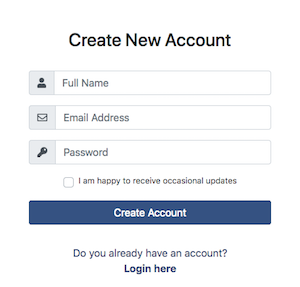
  1. Enter your name, email address and a password and click on Create Account.
  2. We will send an email to the address that you give us.
  3. When you get the email, click on the link to confirm your account and then login.
  4. If the email doesn’t arrive, check your spam or junk folder as it might be in there.
  5. If not, just contact us and we'll help you complete the process.
Login or signup

Logging in

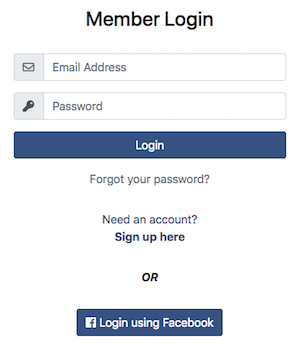
Once have registered and you can login by accessing the login page using the Login button on the homepage.

Just enter your email address and password and click the Login button or click the Login using Facebook

If you forget your password just click on the Forgot your password? link on the login page.

We’ll send you an email with a link for you to set up a new one.
Login